 ✓
 ✓
 ✓
Connect
StudioLink
View your Mac display in real time and keep working with touch and keyboard.
Mac Host → iPad · iPhone Viewer
- QR pairing
- Touch & keyboard control
Apps for Mac and mobile
Continue Mac work from your tablet, keep Korean-English typing effortless, back up originals directly, and review duplicates with confidence.
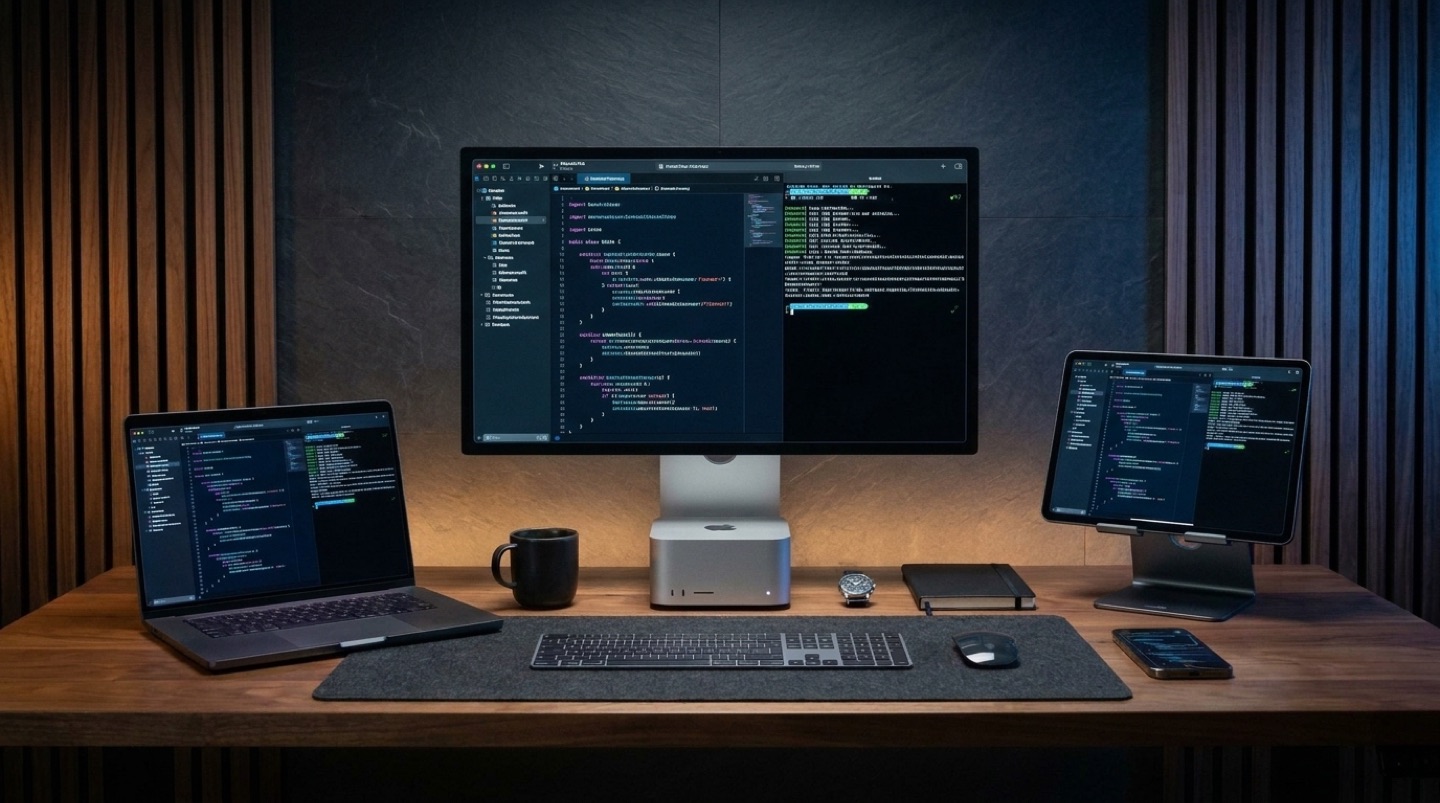
Mac Host
LIVEiPad Viewer
SYNCiPhone
dkssudgktpdySpaceConnect
View your Mac display in real time and keep working with touch and keyboard.
Mac Host → iPad · iPhone Viewer
Typing
A Mac typing assistant that fixes Korean-English keyboard layout mix-ups on the fly.
Mac text field → On-device Hangul conversion

Backup
Back up original photos and videos directly to an external drive or your computer over the same Wi-Fi.
Phone originals → External drive or computer

Deduplicate
Compare exact file contents and tidy up only the duplicate copies you confirm.
Mac photo folder → Content compare → Move copies
We show how each tool works and what it needs up front—you choose the tools that fit your setup.