
Share your screen from Mac
Start Host on the Mac you are working on and check the guided permissions needed for viewing and input control.
StudioLink · Connect
View your Mac display in real time and keep working with touch and keyboard.
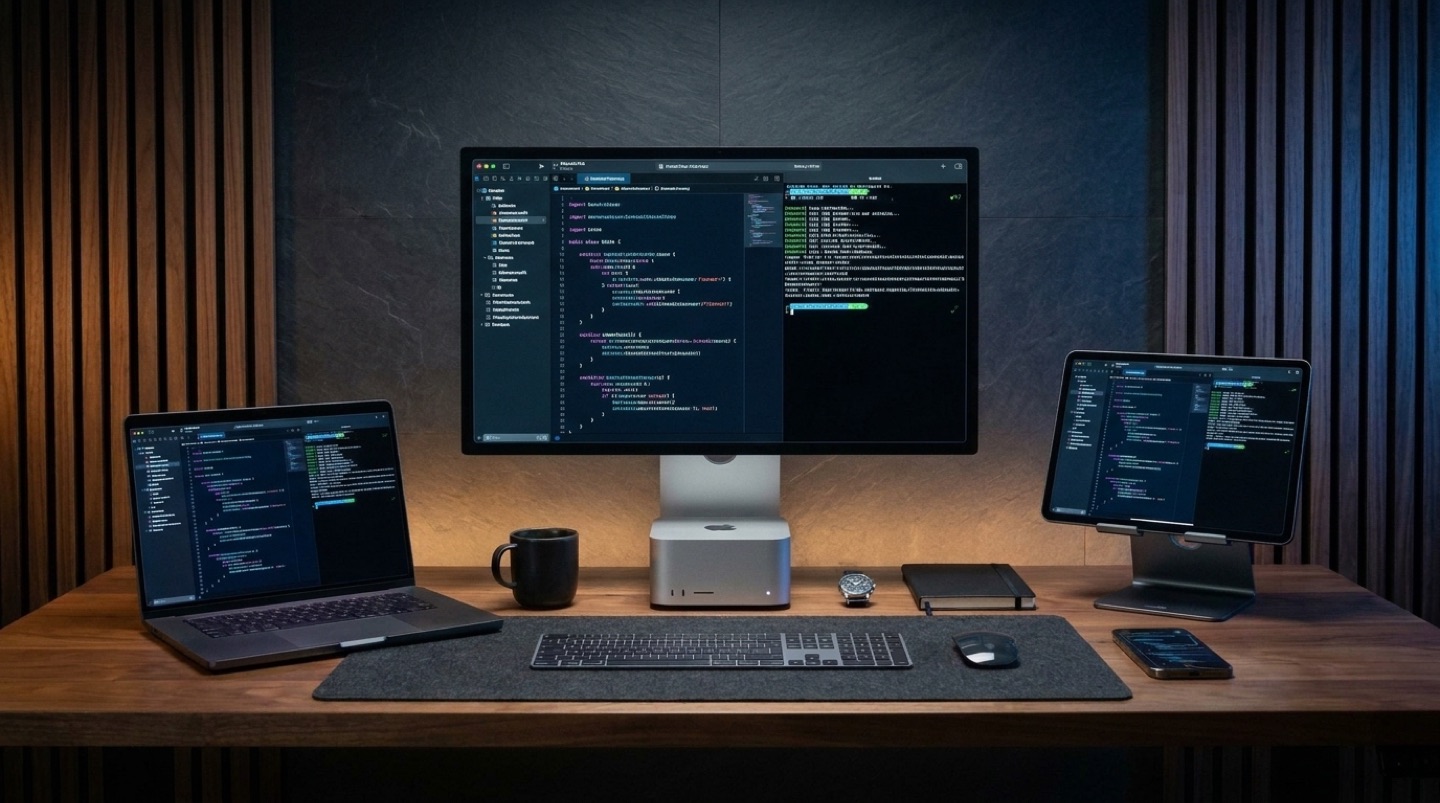
Mac Host
LIVEiPad Viewer
SYNCiPhone
Pair a Mac on the same Wi-Fi network and use your iPad or iPhone as a responsive Viewer.
Start Host on the Mac you are working on and check the guided permissions needed for viewing and input control.
Open Viewer and scan the QR code shown by Mac Host. Paired Macs appear right in your Viewer device list.
Watch your Mac display from Viewer to click, scroll, and send quick edits without returning to your desk.
Open a paired Mac on Viewer to move the pointer, click, drag, and scroll smoothly.
Type into Mac apps from Viewer's keyboard and use essential shortcuts.
Adjust view mode, resolution, and target frame rate in session settings. Actual clarity depends on your device and network.
Mac Host → iPad · iPhone Viewer
The start guide below covers connecting on the same Wi-Fi network. Approve your device in the app and verify Mac screen-sharing and input permissions.
If direct peer-to-peer connections often fail over cellular or external Wi-Fi, configure a relay on your Mac Host. Keep the default mode Both — P2P first so direct connections are tried first.
In StudioLink Host, go to Settings → Network → Relay and select Configure Relay Connection.
Sign in to Cloudflare in your browser and approve access. If you manage multiple accounts, choose the account where usage will be billed.
Click Verify Relay Provisioning in the Mac app. Once ready, reconnect from an approved iPhone or iPad using Both — P2P first.
Requires an Apple account, a Mac Host build supporting remote access, Cloud Remote Access enabled in Host, and an approved Viewer device. Connect Cloudflare inside Mac Host.
When the status displays External Relay, relay routing is active. Usage is recorded on your chosen Cloudflare account and may incur Cloudflare charges.
Check usage and billing on CloudflareRuns on the Mac sharing its screen. Build target: macOS 14 or later.
View and control your Mac from iPad. Build target: iPadOS 15 or later.
Handy for quick checks and short input. Build target: iOS 15 or later.
Tested on local network connections.
Evaluated as an early candidate platform.
Run Host on the Mac sharing its screen, and Viewer on the iPad or iPhone receiving it.
Confirm Host is running, both devices are on the same Wi-Fi network, and QR pairing has been completed.
Open System Settings → Privacy & Security → Accessibility on Mac and verify StudioLink is enabled.
Remote access requires an Apple account, Host remote-access setup, and an approved Viewer device. Start with same-Wi-Fi pairing first.
See Cloudflare relay setupPair devices on the same Wi-Fi and enable Mac screen sharing and input control permissions.